What is CarPlay and how does it work on a motorcycle?
In this article
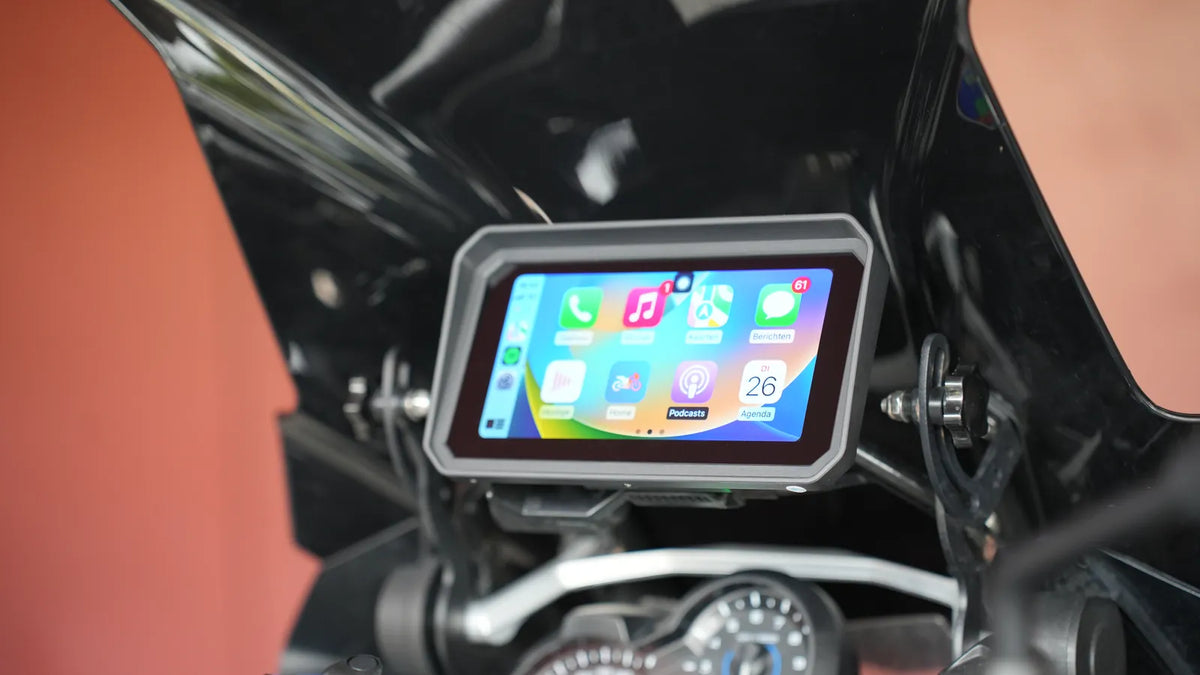
A CarPlay screen on a motorcycle puts your iPhone's maps, music and calls where your eyes already are. This guide explains how the phone and the screen talk to each other, which apps you get, what changes on two wheels, and what you need for CarPlay on a motorcycle. If you already know you want it on your bike, see our CarPlay screens for motorcycles. Riding a BMW with the Navigator cradle? Start with the BMW Motor CarPlay Screen.

What is CarPlay?
CarPlay is a feature of iOS that shows a simplified version of selected iPhone apps on an external display. The apps keep running on your phone. The screen shows large buttons, the map and what's playing, and you control it by touch, a dial or Siri.
Your phone does the work. The screen is the window.
On a bike that has a practical upside. The maps, playlists and contacts on your handlebar are the ones you already use every day. No new account, no second address book, no map updates on a separate device.
How does CarPlay work on a motorcycle?
The phone and the screen connect in one of two ways.
- Cable: the iPhone plugs into the screen's CarPlay USB port.
- Wireless: the iPhone pairs over Bluetooth, then sends the picture over Wi-Fi.
Apple describes both in its guide to using CarPlay with your iPhone. For the wireless route, the iPhone needs Bluetooth and Wi-Fi switched on, and Apple advises keeping iOS up to date.
On a motorcycle, a wireless connection keeps the phone in a jacket pocket or tank bag, out of the rain and off the vibrating handlebar. The GS Goods screens for BMW connect wirelessly over Wi-Fi and Bluetooth, for both CarPlay and Android Auto.
CarPlay vs Android Auto
Same idea, different phone.
| Apple CarPlay | Android Auto | |
|---|---|---|
| Made by | Apple | |
| Works with | iPhone | Android phones |
| Voice control | Siri | Google Assistant |
| Wireless needs | Bluetooth and Wi-Fi on the iPhone | Android 11 or newer and 5 GHz Wi-Fi, per Google's Android Auto help |
There's no winner. Use the one that matches the phone in your pocket. Every GS Goods screen runs both, so a switch from iPhone to Android later doesn't mean a new screen.
What changes when CarPlay goes on a bike
A screen on a handlebar takes rain, frost and vibration all season. Four things change.
- Rain. The screen sits outside all day, so check its water rating. The GS Goods BMW screens are rated IP68, which their product pages state as waterproof to 1 m for 30 minutes.
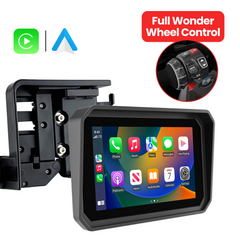
- Gloves. You won't take your gloves off at a red light. The BMW screens have a glove-friendly touchscreen. On bikes with original, up-to-date BMW software, maps, calls and music also run from the Wonder Wheel on the left grip, so you touch the glass less.
- Vibration. Apple warns that long exposure to high-amplitude vibration, like the kind high-powered motorcycle engines produce, can degrade the iPhone camera's stabilisation and autofocus. With a separate screen, the phone doesn't have to sit on the bars.
- Sound. You won't hear a speaker at 100 km/h. The GS Goods BMW screens have no built-in speaker: directions, music and calls go from your phone to the headset or intercom in your helmet.
Weighing a GPS or just your phone instead? Motorcycle GPS, phone or CarPlay screen? compares the three.
Which apps run on CarPlay?
Only apps built for CarPlay show up, each in a reduced version. For riders, four groups count:
- Navigation: Apple Maps, Google Maps, Waze
- Motorcycle route apps, such as Kurviger
- Music and podcasts: Spotify, Apple Music, YouTube Music
- Phone and Messages, with Siri reading texts aloud
The route apps come with limits. Kurviger added CarPlay in version 3.5.7 of its iOS app (Kurviger blog). On the screen you navigate and follow the route; to plan or change a route you switch back to the app on the phone (Kurviger's CarPlay page, checked October 2026). Using another route app? Check its own help pages for CarPlay and Android Auto support before you ride.
What do you need for CarPlay on a motorcycle?
Most motorcycles don't have CarPlay in their own dashboard. You need a screen that runs it and sits where your eyes already go. GS Goods has three.
Apple CarPlay on a BMW motorcycle: the Navigator cradle
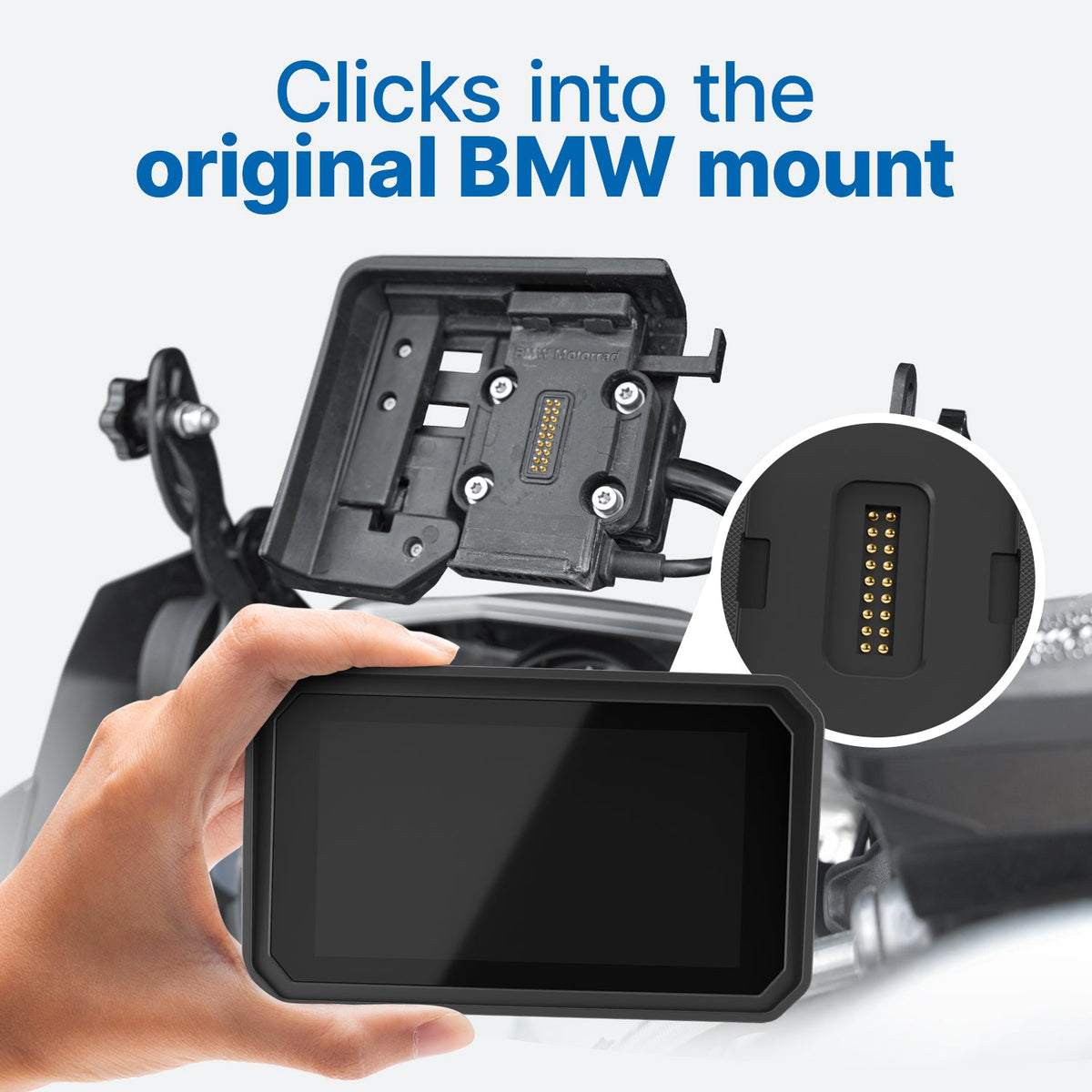
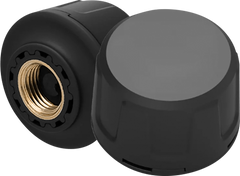
The BMW Motor CarPlay Screen clicks into the original BMW Navigator cradle without tools. On bikes with original, up-to-date BMW software the Wonder Wheel controls it, and next to the map it shows data from the bike itself: speed, RPM, gear, temperatures and voltage, plus tyre pressure when you add the GS Goods tyre pressure sensor set. It comes in 6 inch (€289.95) and 7 inch (€299.95).
Riders of a BMW RT get a 5 inch version, the BMW RT Motor CarPlay Pro 5 (€289.95).
Not sure your bike has the original cradle? Send a photo of it to info@gsgoods.nl and GS Goods confirms the fit before you order.
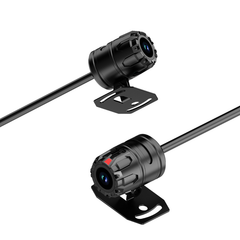
For the navigation options on a BMW, see BMW motorcycle navigation and CarPlay options, model by model and BMW Navigator 6, "Navigator 7" or CarPlay. 10 CarPlay features worth having on a motorcycle shows which screen gives you what: Wonder Wheel, bike data, camera and tyre pressure.

No BMW cradle?
The universal Motor CarPlay screen (5 inch €119.95, 7 inch €129.95) comes with a handlebar mount that adjusts to fit most handlebars, and runs Apple CarPlay and Android Auto.
Every screen comes with a 5-year warranty, 100 days to return it, and free DHL Express shipping, 1 to 3 business days from dispatch to the Netherlands, Belgium and Germany. Before you choose, read the 7 things to check before you buy a motorcycle CarPlay screen.
In short
CarPlay puts your phone's maps, music and calls on a screen you can read at a glance. On a motorcycle that screen also has to handle rain, gloves and a buzzing handlebar, and a wireless one leaves your phone in your pocket. See the BMW Motor CarPlay Screen or all CarPlay screens for motorcycles.
Frequently asked questions
What is CarPlay and how does it work?
CarPlay shows selected iPhone apps in a simplified layout on a separate screen. The apps run on your phone, and the screen displays them and takes your taps and Siri commands. It connects with a USB cable or wirelessly over Bluetooth and Wi-Fi.
Do I need a separate screen for CarPlay on a motorcycle?
Yes, unless your bike has CarPlay built into its own dashboard. Most motorcycles don't, so you need a screen that runs CarPlay itself, on the handlebar or in a navigation cradle.
Where does my phone go while CarPlay is running?
With a wireless screen, the phone can stay in your jacket pocket or tank bag. The GS Goods BMW screens connect over Wi-Fi and Bluetooth, so the phone never has to sit on the handlebar.
Does the screen fit the original BMW navigation cradle?
Yes, if your bike has the original BMW Navigator cradle, the BMW Motor CarPlay Screen clicks into it without tools. Not sure? Send a photo of your cradle to info@gsgoods.nl and GS Goods confirms the fit before you buy.
Does the screen work with Android Auto too?
Yes. Every GS Goods screen runs Apple CarPlay and Android Auto. For wireless Android Auto, Google lists Android 11 or newer and a phone with 5 GHz Wi-Fi.
Do all apps run on Android Auto and CarPlay?
No. Only apps made for CarPlay or Android Auto appear, in a reduced version of the phone app. Kurviger supports both; you follow the route on the screen and plan it on the phone. For other route apps, check the app's own help pages.